


Practical Usage Tips For PTZ Cameras With NDI Protocol
Dec 17, 2025
Practical Usage Tips for PTZ Cameras with NDI Protocol
NDI (Network Device Interface) is a widely adopted IP video transmission protocol that enables low-latency, high-quality video and control over standard Ethernet networks. When used with PTZ cameras, NDI can significantly simplify system architecture and improve operational efficiency. To achieve optimal performance, several practical usage considerations should be followed.
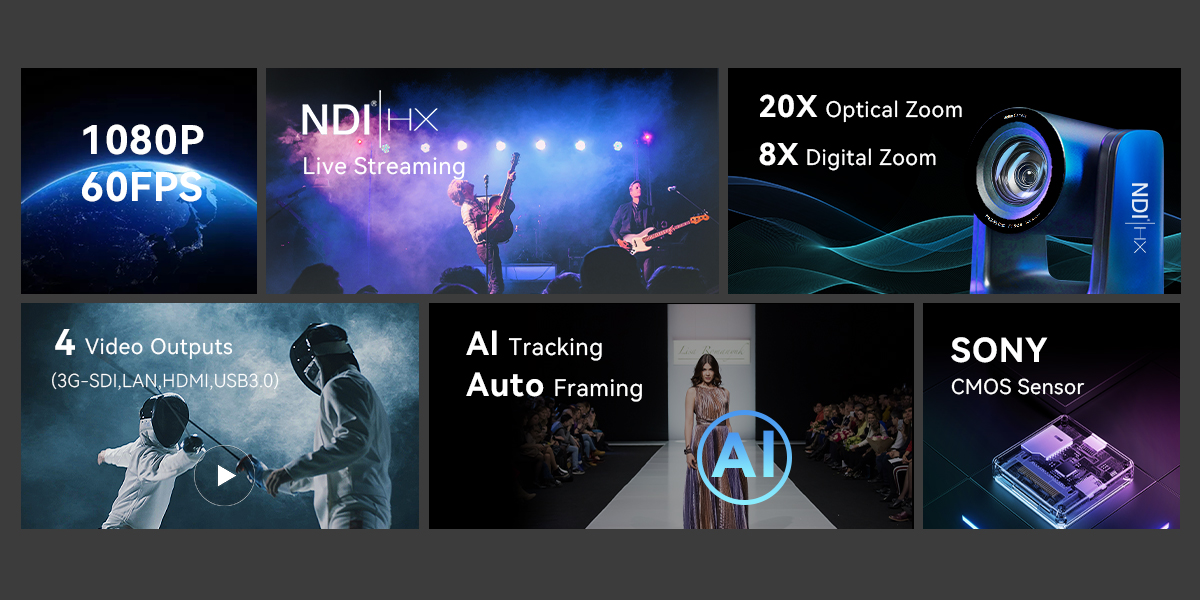
First, network infrastructure is critical. NDI relies heavily on stable bandwidth and low network latency. For Full HD NDI streams, a Gigabit Ethernet network is strongly recommended, while 4K NDI workflows benefit from 10GbE environments. PTZ cameras should be connected via wired Ethernet rather than Wi-Fi to ensure consistent throughput. It is also advisable to place NDI devices on a dedicated VLAN or isolated network segment to prevent congestion from unrelated traffic.
Second, users should select the appropriate NDI format. Many PTZ cameras support multiple modes such as Full NDI (high bandwidth, visually lossless) and NDI|HX (H.264/H.265-based, lower bandwidth). Full NDI is ideal for professional broadcast and studio environments where quality and low latency are paramount. NDI|HX is more suitable for bandwidth-limited scenarios such as education, houses of worship, or enterprise meeting rooms.
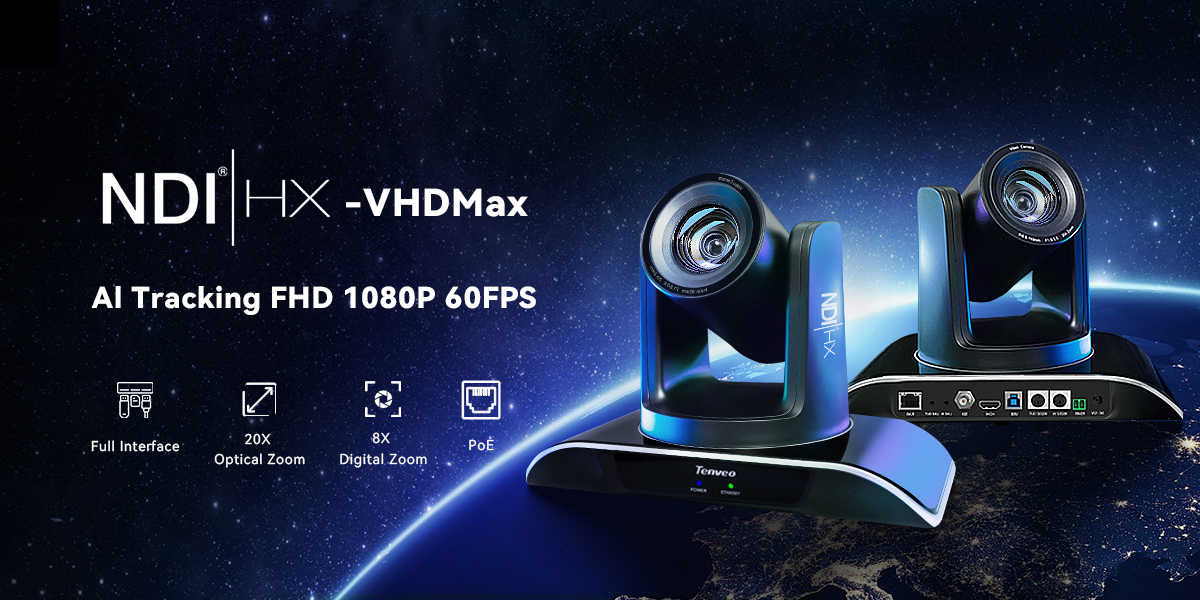
Third, proper PTZ control integration enhances workflow efficiency. Most NDI-enabled PTZ cameras support NDI-based control discovery, allowing pan, tilt, zoom, preset recall, and tally information to be managed directly from NDI-compatible software such as vMix, OBS, TriCaster, or dedicated PTZ control panels. For precise camera movement, it is recommended to adjust PTZ speed settings and acceleration curves within the camera menu or control software.
Fourth, optimize discovery and device management. Using tools such as NDI Studio Monitor and NDI Access Manager helps ensure that PTZ cameras are correctly discovered on the network. In larger installations, configuring NDI groups and access permissions can reduce device clutter and improve operational reliability.
Fifth, synchronize video, audio, and control. When PTZ cameras embed audio over NDI, ensure consistent audio clocking and sample rates across devices to avoid lip-sync issues. If external microphones or audio mixers are used, verify latency alignment within the production software.
Finally, monitor system performance and firmware updates. Regularly checking CPU, GPU, and network utilization on receiving systems helps prevent dropped frames or control delays. Keeping PTZ camera firmware and NDI SDK versions up to date ensures compatibility, security, and access to performance improvements.
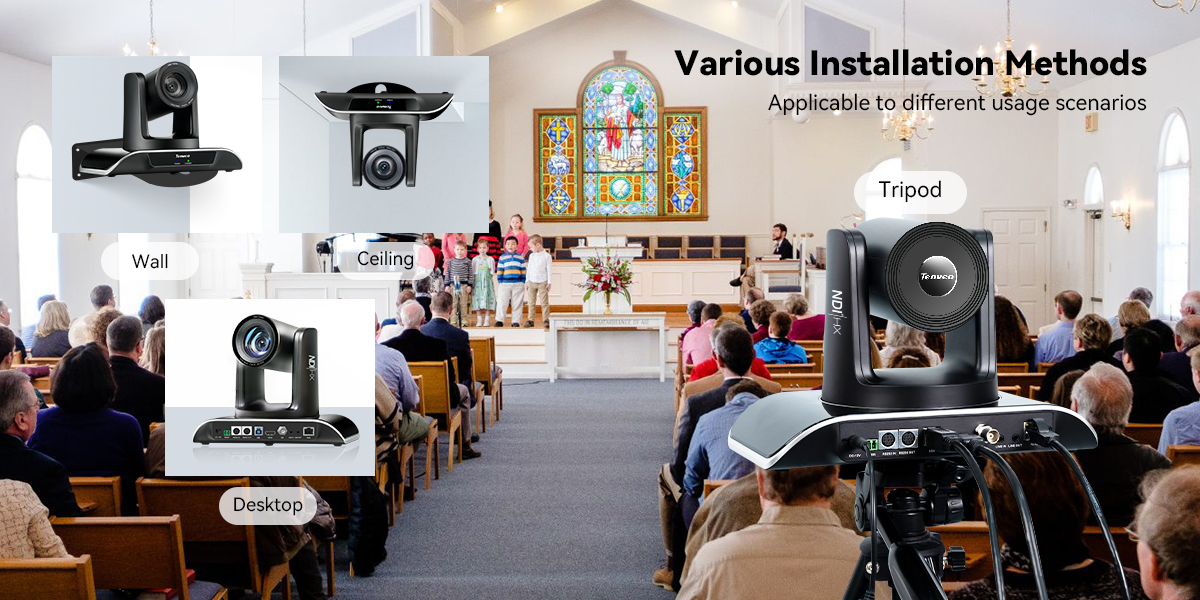
By following these best practices, PTZ cameras using the NDI protocol can deliver flexible, scalable, and high-quality video production solutions across broadcast, education, corporate, and live streaming environments.
You Might Also Like
-

TEVO-NA200GEX Microphone for Business Conference and Inte...
-

USB Conference Speakerphone With 6M Radius
-

New Microphone Player 5M Portable Conference Speaker
-

Tenveo PTZ Camera And Controller Bundle/Kits For Church W...
-

Conference Microphone Speakerphone For Large Conference Z...
-

4K Live Streaming PTZ Camera Via USB And HDMI Wide FOV PT...