Some Common Problem For USB HD Video Conferencing Camera
Apr 03, 2018
Some Common problem for USB HD Video Conferencing Camera
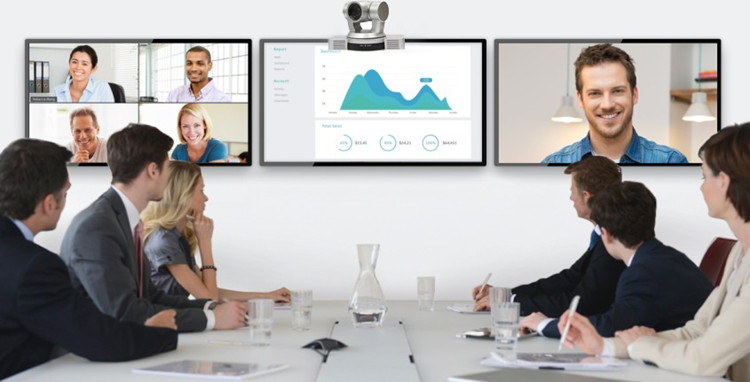
In a complete video conferencing system, the application of high-definition video conferencing cameras directly determines the quality of the conference. USB high-definition video conferencing camera, with its easy-to-use features by the majority of users of the enthusiasm and recognition.
However, as a professional videoconferencing product, end-users have limited knowledge of high-definition videoconferencing cameras. Therefore, most users often do nothing about common problems. The following section will analyze common problems and hope to help everyone.
USB conference camera can't recognize the USB interface after connecting to the computer. This problem can be solved by using the exclusion method.
1. First replace the USB cable and the computer's USB interface to allow the computer to identify the camera from the new;
2. If any of the unrecognized suggested replacement computers are tested;
Principle: Certain computer USB interfaces have not been identified. The reason for this type of problem is that the USB port and cable signals of the computer may be too weak or have quality problems.
USB conference camera cannot be controlled by protocol
This kind of problem is generally because the control serial port driver in the computer is not installed normally. Follow the steps below:
1. Check the port inside the device manager of the computer to see if the control serial port driver of the USB conference camera is installed properly.
2. If it is not installed normally, you need to install the driver from the new one until you can confirm that the installation is successful and you can use the USB port for camera control.
USB conference camera screen will jump screen or not full screen
1. It is recommended to replace the USB interface when a screen jump or a screen break occurs. The reason is the same as the second problem point.
2. It is recommended to reduce the length of the line. In this case, the longest line distance of the commercially available USB standard definition camera is 3 meters, and the maximum line spacing of the USB high-definition camera can reach 25 meters.
3. Screen dissatisfied with the screen, the main problem or the resolution of the camera and monitor to synchronize, the USB HD video conferencing camera on the market the highest display resolution is 800 * 600, then the USB high-definition conference camera display is 1920 * 1080 The proportion of SD is 4:3, HD is 16:9, and the corresponding proportion should be adjusted according to your current environment.