Some Common Questions For Video Conferencing Cameras
Jul 31, 2018
Some common questions for video conferencing cameras

With the advancement of the times and the increasing ability of people to accept new things, the video conferencing newborn has also ushered in his growth period, and more and more users have chosen video conferencing. However, most users lack the basic knowledge of relative professional. When they encounter some normal problems, they mistakenly think that it is equipment failure or some simple faults that cannot be eliminated in time. It is a waste of freight back and forth, delaying time and affecting work. Here we briefly analyze some common problems and hope to help you.
Frequently asked questions about video conferencing cameras
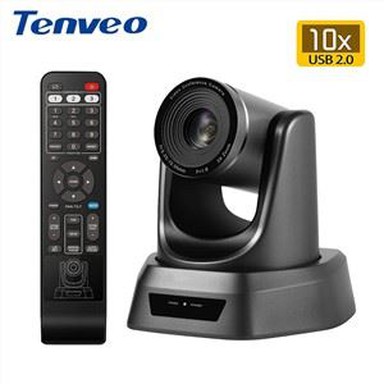
As the image acquisition device at the front end of the conference system, the conference camera is directly related to the conference video communication effect, so the normal operation of the conference camera is very important in practical applications. Then we should learn to be able to deal with some simple problems, which not only saves maintenance costs, but also saves unnecessary repair time and improves work efficiency.
The conference camera is powered on, does not respond, and the indicator light does not work. What should we do if we encounter such problems? The hiring person said that the good thing is flustered, we first check whether the plug-in board is powered, whether the switch is turned on, whether the power is turned on, and whether the power supply is normal, that is, using the simplest method of elimination, it is very simple to solve this problem. problem
The camera light is normal, but it cannot be remotely controlled. First of all, we have to check the most basic, look at the remote control inside the battery, and then close to the camera to see if it is not because of distance and angle problems can not be remote control. Then look at the indicator light after the operation button on the remote control is that bright, and then consult the manufacturer to solve the problem.
Conference cameras cannot be self-tested or accompanied by humming sounds.For such problems, first check the appearance of the camera for damage. If the appearance is good, it may be that the mechanical structure of the equipment is faulty, then it must be returned to the factory for repair.
Can't watch video normally, no image. Generally speaking, when we encounter this kind of problem, we first look at the video settings in the video communication software to select this device, and then see if there are other applications calling the video. If it still does not display properly, then it must be returned to the factory for repair.