Video Conference Make Your Meeting More Convenient And Smooth Soon
Jul 18, 2022
Please don't miss the latest product upgrade news to the end.
Video conference is a kind of common question. We will answer it for you. I hope it can make your meeting more convenient and smooth soon
1. Check whether the USB cable of the device is connected well and whether the power indicator is on
2. Check whether the device is normal after power-off and restart the computer to check whether it is normal
3. Check whether the video output cable is normal
4. Check whether the device is recognized normally, uninstall the device when it is displayed in the device manager that cannot be recognized normally, and reload it
Tenveo's camera remote control adjust white balance, mirror set, upside down, PTZ, preset position, camera power on/off and one remote control support controls 3 cameras at the same time.
Menu mode support: VHD10N/VHD20N/VHD30N, NV10A/NV20A
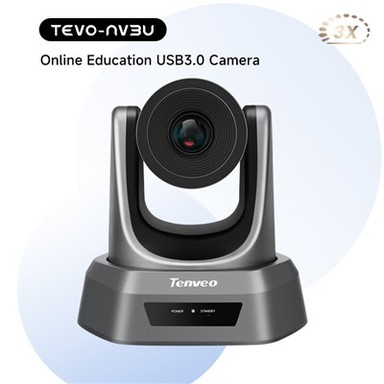
*From July 2022, NV1080pro,NV3U,NV10U,NV20U will support menu adjustment .
*From August 2022, all cameras support remote terminal and control PTZ mode.
The other party of the meeting can control your camera through software for remote meeting