


How To Remote Control Tenveo NDI Camera?
Feb 21, 2023
How to remote control Tenveo NDI camera?
Install NDI TOOLS app

Click on NDI apps, and NDI Bridge

Click Join(Join a remote NDI bridge)

Input right Server IP Address, Server Port, and Encryption Key:
Server IP Address: 36.44.1.222
Server Port: 8888
Encryption Key: sx+N$vY:c]gEG=Ys
Then Click Join

When it connected successfully.

Open Studio monitor
Click here to choose IP address.
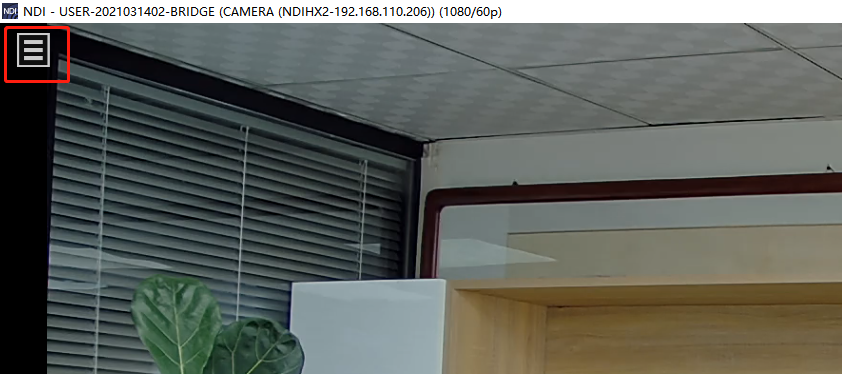

You can control the camera PTZ easily.


